A mobile ordering app for a Detroit coffee shop, with drink customization, a multi-item cart, and real pricing. My first solo iOS project from empty Xcode project to finished flow.
Customizing a drink, confirming it in the sheet, and watching the cart totals recompute as items come and go.
Overview
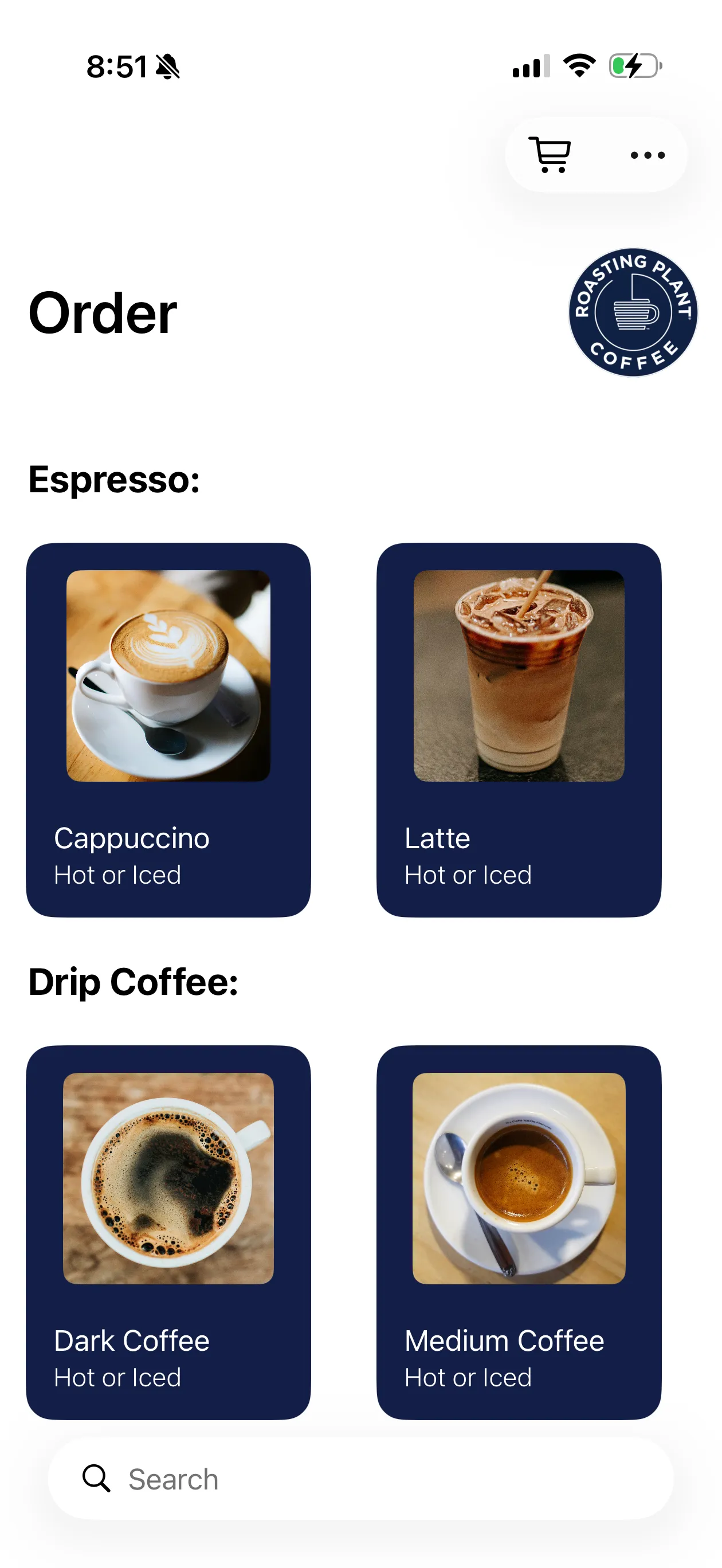
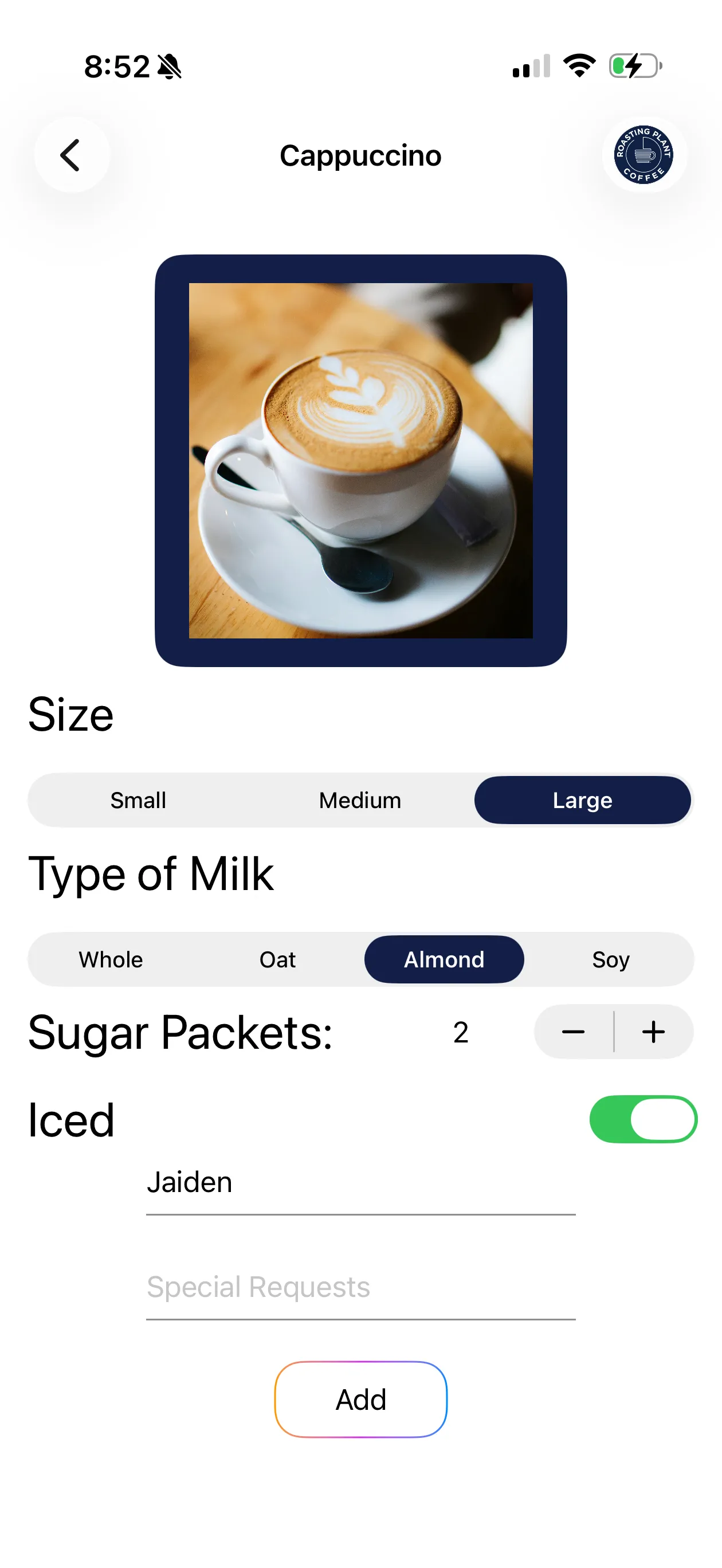
Roasting Plant is a mobile ordering app built entirely in SwiftUI. You browse the menu, customize a drink by size, milk, sugar, and temperature, then add it to a cart with itemized pricing and tax.
I built it as my first solo iOS project, which made it the place where SwiftUI state management actually clicked for me.
The problem
An ordering flow looks simple until three screens all need to agree about the same drink and the same running total.
Menu, customization, and cart all read the same drink data, and an edit on one screen has to be visible on the others without being overwritten.
Price depends on size, milk type, and whether the drink is iced, and the cart has to keep subtotal, tax, and total accurate as items come and go.
A drink added by accident needs a way out of the cart that does not feel like a form.
Approach
01
One source of truth
A single State-owned array of ordered drinks passed down through Binding. The Coffee struct holds every customization option so there is one shape moving through the app.
02
Pricing lives in the model
Each part of the price is its own function on the Coffee struct: base price by size, milk upcharges, iced upcharge. The cart just loops and sums.
03
Confirm before the cart
An order confirmation sheet lets you review a drink and its price before it joins the cart, so the cart never fills with half-decided items.
04
Swipe to remove
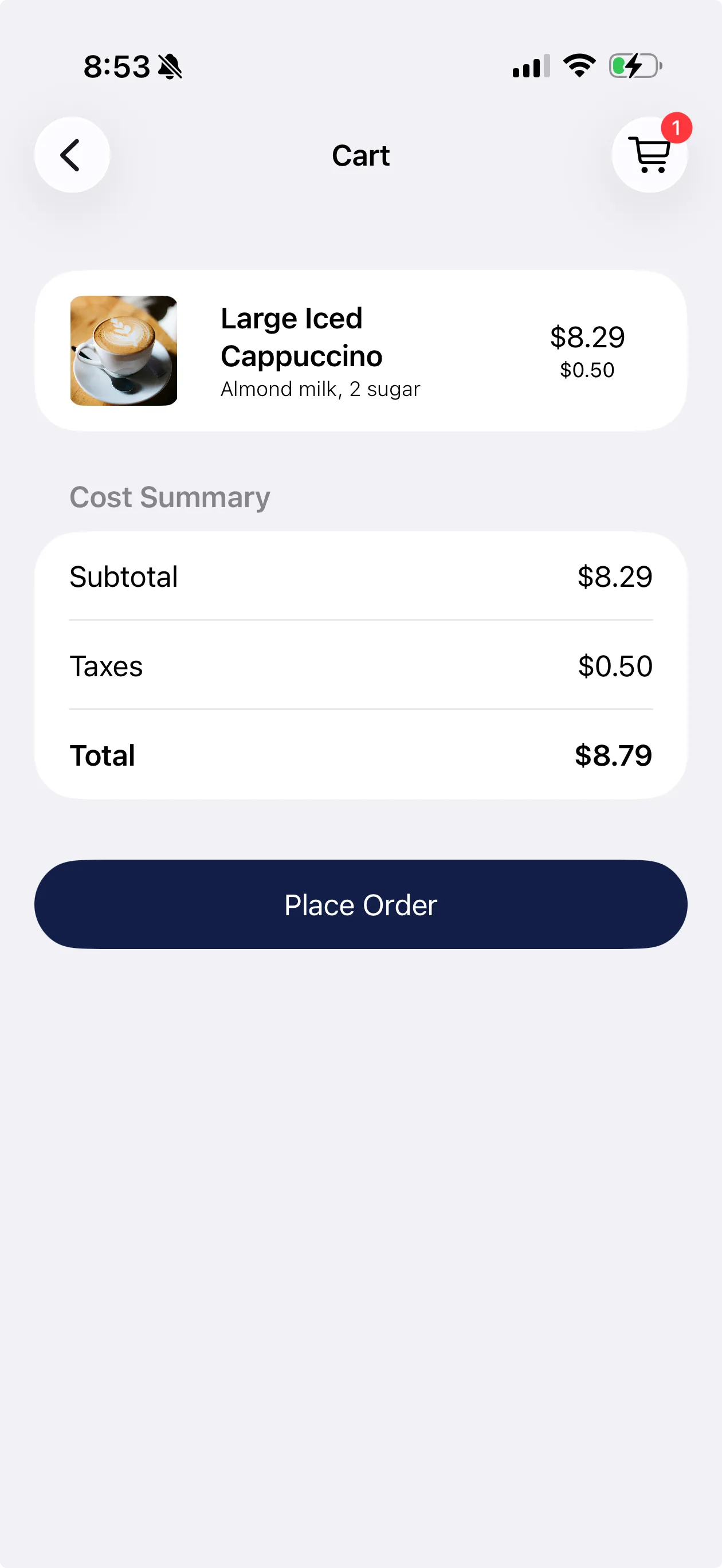
Cart rows use swipe actions with full swipe enabled, and removal recomputes subtotal, tax, and total immediately.
Technical highlights
Modifier-based pricing - Oat, soy, and almond each carry their own upcharge and iced adds a flat amount, so a price is derived from the drink rather than stored alongside it.
State and Binding - Five connected views share one array without any external state library, which is exactly the lesson the project was for.
Live totals - Subtotal, tax, and total recompute on every add and remove, so what the cart shows always matches what was actually ordered.
No dependencies - Entirely SwiftUI and the standard library, no third-party packages.
Screens
Order Menu
Browse espresso and drip options with search to find a drink fast.
Customization
Size, milk, sugar, and iced, each feeding the running price.
Cart and Checkout
Itemized pricing with tax, and swipe to remove any drink.
Code
Drink Price Calculation
Swift
Drink prices are calculated based on size, milk selection, and whether the drink is iced, each modifier adjusts the final cost.
func basePrice() -> Double {
    var price = size.basePrice
    if iced == true {
        price += 0.5
    }
    return price
}

func calculateDrinkPrice() -> Double {
    var price = size.basePrice
    if milkType == .Oat { price += 0.65 }
    if milkType == .Soy { price += 0.75 }
    if milkType == .Almond { price += 0.5 }
    if milkType == .Whole { price += 0 }
    return price
}
Cart Swipe Action
Swift
Displays each ordered coffee in a list with swipe-to-delete. Swiping left reveals a delete button that removes that drink from the cart.
Next I'd add user accounts so people can save their recent orders and reorder with one tap instead of rebuilding from scratch. I'd also add a live order status screen so users know when their drink is received, brewing, or ready for pickup. A simple rewards system to track purchases and earn points toward free drinks would give users a reason to keep coming back.
Outcome
5Connected views
3Price modifiers
0Third-party packages
1Solo build
Going from an empty Xcode project to a working ordering flow is where SwiftUI state stopped being abstract for me. Putting the pricing logic on the model instead of in the cart view is the decision I would make again, because it meant every screen could ask a drink what it costs rather than each one recalculating.